Scaling a Field Service Management Product
Contributed to the continuous evolution of an enterprise Field Service Management platform by designing and implementing new features that addressed business needs and improved operational efficiency. Alongside feature development, I refined existing workflows to deliver a more consistent and intuitive user experience.
*UI Designs are representational due to NDA Agreements
Fingent Global Solutions
2022-2025
B2B SaaS
Product Design
Challenge
As the platform expanded, new business requirements demanded features that could integrate seamlessly into an already complex system. The challenge was to design scalable solutions while preserving usability, maintaining design consistency, and minimizing disruption to existing user workflows.
My role
Collaborated with product managers, developers, and stakeholders to translate requirements into user-centered solutions. Designed end-to-end experiences for new features, created wireframes and interactive prototypes, iterated through feedback, and supported implementation to ensure design quality throughout development.
Outcome
Successfully delivered multiple features that enhanced the platform's capabilities while maintaining a cohesive user experience. Improvements to existing workflows and interface consistency made the product easier to navigate and better equipped to support evolving business needs.

FEATURE SPOTLIGHT
Scheduler
Understanding the Problem
The project began with workshops involving stakeholders, product managers, and operations administrators to understand how work orders were planned and dispatched. Although the platform already included a calendar-based scheduler, it had gradually become difficult to use as new capabilities were added over time.
Identifying Pain Points
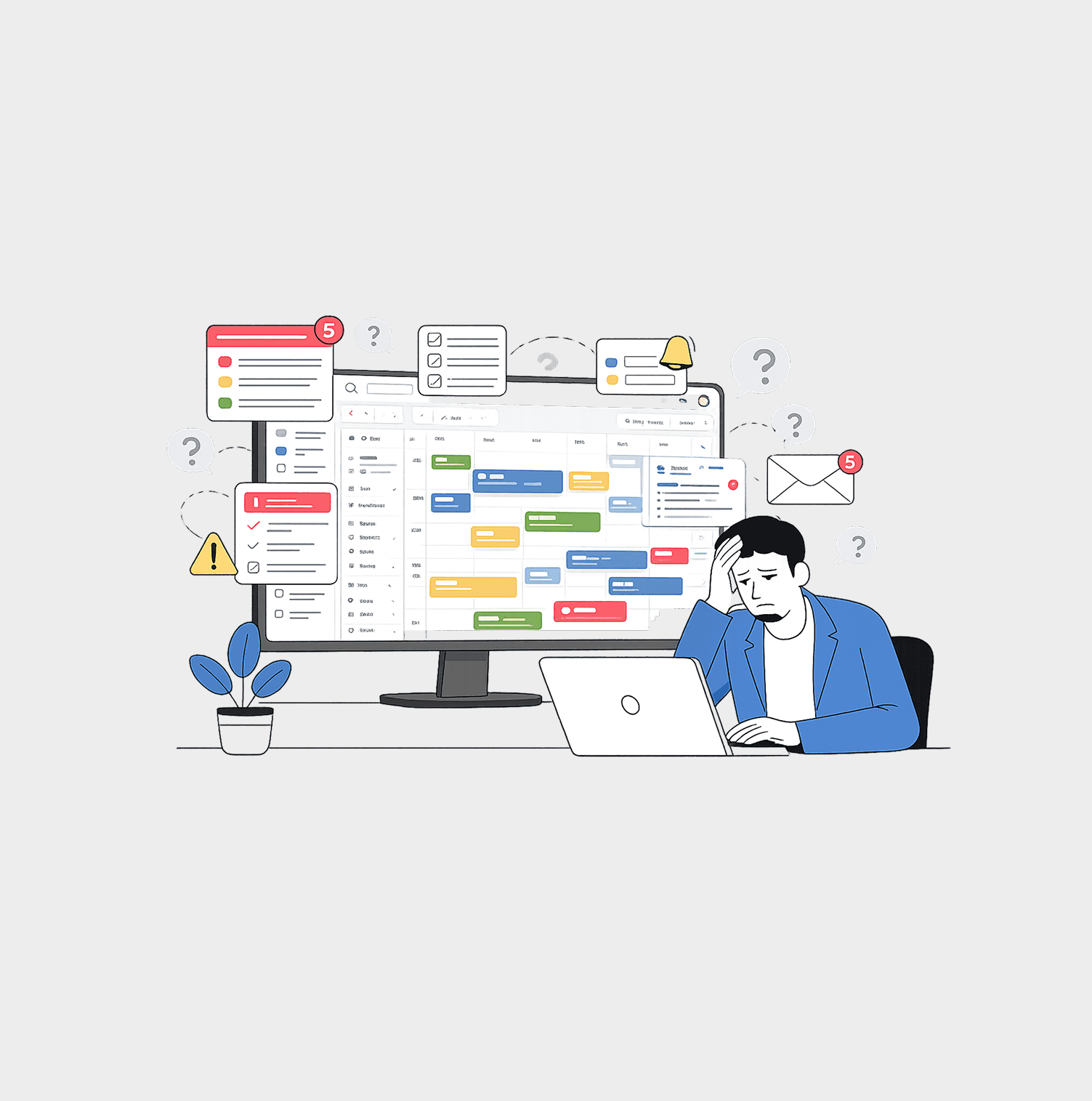
Through discussions with administrators and observing their day-to-day workflows, several recurring issues emerged:
• Slow loading times when navigating large schedules.
High cognitive load caused by excessive information on a single screen.
Difficulties identifying available technicians at a glance.
Multiple steps required to assign or reschedule a work order.
Limited visibility into job progress without navigating away from the scheduler.
Competive analysis
I looked at scheduling features in platforms like Salesforce Field Service, ServiceNow, and Microsoft Dynamics 365 to understand how dispatchers manage their daily work. While these platforms offer powerful scheduling tools, many of them feel cluttered and require several steps to complete simple tasks like assigning or rescheduling jobs. This inspired a simpler scheduler that focuses on clarity, quick actions, and helping dispatchers manage field operations with less effort.


Wireframing & Validation
After gathering insights from stakeholder discussions, I translated the requirements into low-fidelity wireframes using FigJam and Figma. FigJam helped map user flows and organize ideas, while Figma was used to explore different layout and interaction concepts for the scheduler. The wireframes were presented to stakeholders and developers in multiple review sessions, where feedback from both business and technical perspectives shaped the design. Through several rounds of iteration, the workflows became simpler, the information hierarchy clearer, and the overall solution more practical to implement before moving into high-fidelity designs.


Designing the Solution
Before moving to high-fidelity designs, I worked closely with the development team to evaluate different Angular scheduler libraries, comparing their capabilities, flexibility, and implementation effort. Understanding the strengths and limitations of each plugin allowed the design to be built around what was technically feasible, reducing unnecessary development effort while still meeting the product requirements. The interface was designed using the existing Field Service Management design system, reusing established components, color tokens, and interaction patterns to maintain consistency across the platform. I also followed the product's responsive grid system to ensure the scheduler adapted well across different screen sizes. As the feature evolved, additional business requirements emerged, leading to another design iteration where the calendar was refined to accommodate new functionality without disrupting the overall user experience.

Development & Deploy
Design didn't stop at handoff. I collaborated with developers throughout the implementation process, using a shared design system to ensure consistency and speed. During QA, I compared the implemented screens against the original designs, documented visual and interaction issues, and worked with the team to refine the experience until it met the intended design quality.
Conclusion
Working on this Field Service Management platform gave me valuable experience in designing enterprise products. Collaborating with stakeholders, developers, and QA while maintaining a scalable design system helped me better understand the complete product lifecycle. By collaborating on features that addressed real user needs, we simplified key workflows, creating a smoother onboarding experience and improving day-to-day usability for both field agents and administrators.